
## UrlShoter Chrome Extension Is Now Live 🎉
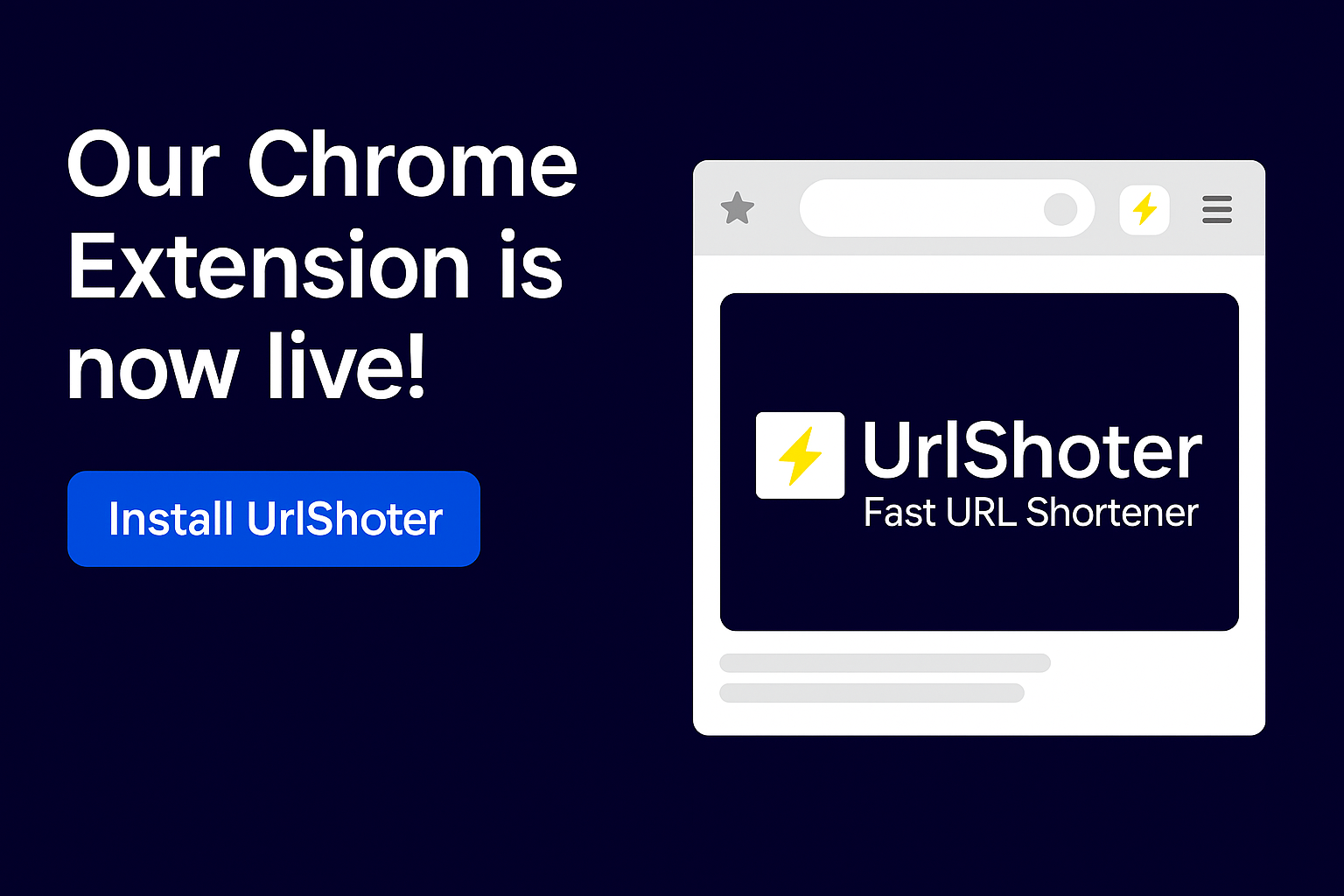
We’re excited to announce that the official **UrlShoter — Fast URL Shortener** Chrome Extension is now available in the **Chrome Web Store**.
With this extension, you can shorten links directly from your browser in just one click — no need to open the UrlShoter website every time.
---
### 🔥 What you can do with the extension
With the UrlShoter Chrome Extension, you can:
- **Shorten the current page URL in one click**
- **Right-click any link and shorten it via context menu**
- Use your **custom domains** and **aliases** (based on your UrlShoter account settings)
- View and manage your **recently shortened links**
- Copy short URLs instantly and share them anywhere
All actions are triggered manually by the user.
The extension does **not** track your browsing history and does **not** collect personal data.
---
### 🧩 How to install the extension
1. Open the Chrome Web Store page:
👉 [Install UrlShoter — Fast URL Shortener](https://chromewebstore.google.com/detail/manknmnkmhlegkjafdpceifhlllekckk)
2. Click **“Add to Chrome”**
3. Confirm the installation
4. Pin the extension to your toolbar for quick access (optional but recommended)
---
### 🔑 How to connect your UrlShoter account
To get the most out of the extension, you should connect it with your UrlShoter account using your **API Key**:
1. Log in to your account on [UrlShoter](https://urlshoter.com)
2. Go to **Account → Developer / API**
3. Click **Generate API Key** (if you don’t have one yet)
4. Copy the API Key
5. Open the extension popup in Chrome
6. Paste your API Key into the settings (⚙️) and save
From now on, all shortened links will be associated with your UrlShoter account.
---
### 🛡 Privacy & Security
The extension:
- Uses `activeTab` only to read the current tab URL when you explicitly use it
- Uses `storage` only to store your API Key locally in your browser
- Uses `contextMenus` to add the “Shorten link with UrlShoter” option on right-click
- Sends requests **only** to `urlshoter.com` API
We do **not** collect your personal data, browser history, or sensitive information via the extension.
For more details, check our [Privacy Policy](https://urlshoter.com/privacy).
---
### 🚀 What’s next
This is just the beginning.
We’re planning to add:
- Quick access to analytics for shortened links
- More customization options for aliases and domains
- Optional keyboard shortcuts for power users
If you have any feedback or feature requests, feel free to reach out to us via the contact form or support email.
👉 **Install the UrlShoter Chrome Extension today and make your links smarter, shorter, and easier to share.**