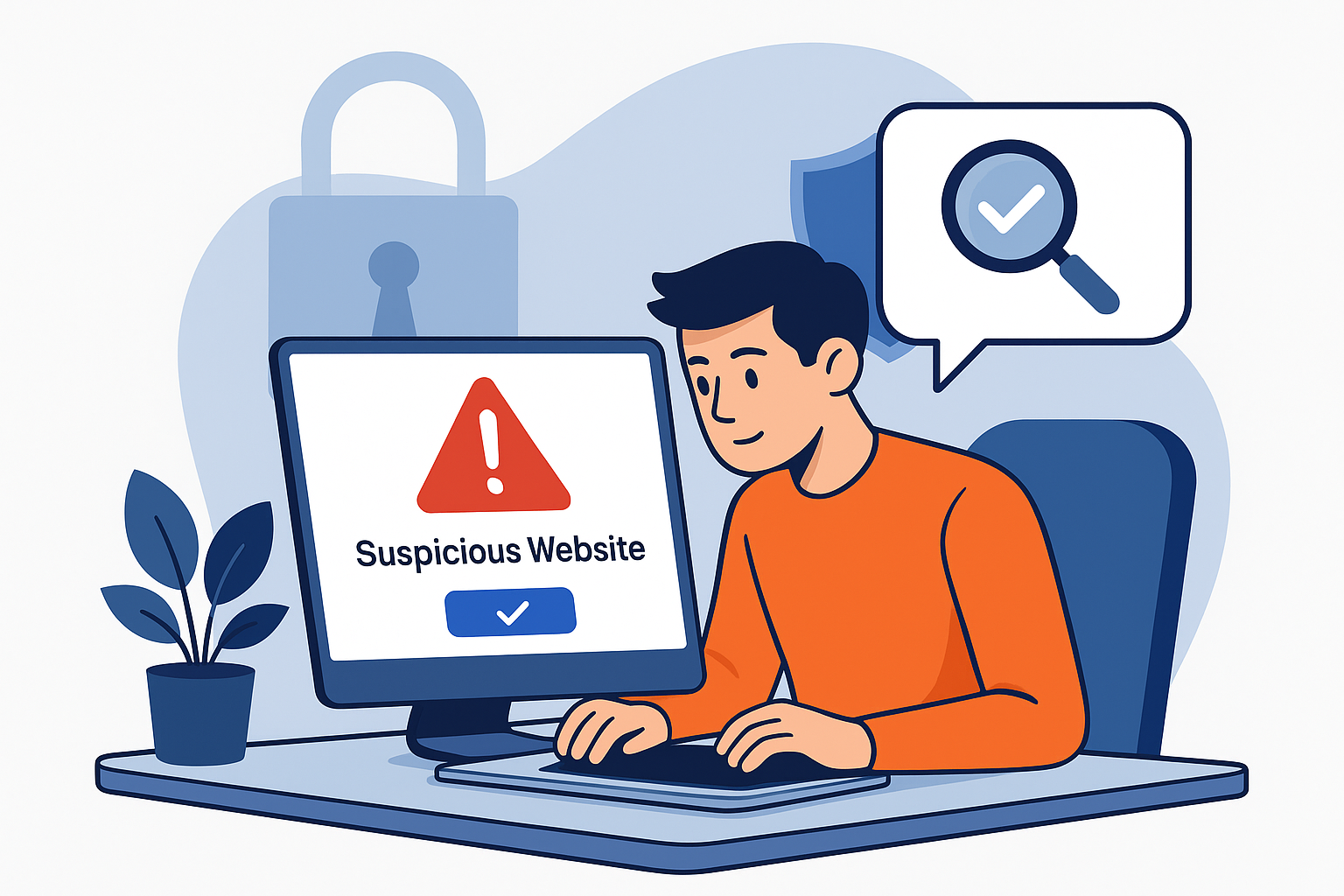

When you receive a link from a friend, an email, or on social media, it's always tempting to click without thinking. Unfortunately, cybercriminals often use malicious links to spread malware or steal your data.
Here are 5 simple ways to check if a website is safe before clicking:
1. **Use a URL shortener with built-in protection**
Services like LinkBolt automatically scan every link against databases such as Google Web Risk and PhishTank to block malicious sites.
2. **Look for HTTPS**
A secure site should use HTTPS instead of HTTP. The padlock icon in your browser is a good first sign.
3. **Check the domain carefully**
Cybercriminals often create fake domains that look similar to popular ones (e.g., g00gle.com instead of google.com). Always double-check the spelling.
4. **Use a website scanner**
Free tools like Google Transparency Report or VirusTotal can quickly scan a URL for known threats.
5. **Trust your instincts**
If a link looks suspicious (too many random characters, or promises “free prizes”), don’t click.
By following these tips, you can greatly reduce the risk of falling victim to phishing or malware attacks.
And remember — LinkBolt always checks your links automatically, giving you peace of mind.