
Beginner’s Guide: Getting Your UrlShoter API Key
UrlShoter is designed to make link management simple. If you want to use our Chrome Extension, you’ll need to connect it to your account using a personal API key. This guide will walk you through the process.
Step 1 – Create Your Account
Start by signing up at UrlShoter.com. Registration is free and only takes a minute.
Step 2 – Log In
Use your email and password to access your dashboard.
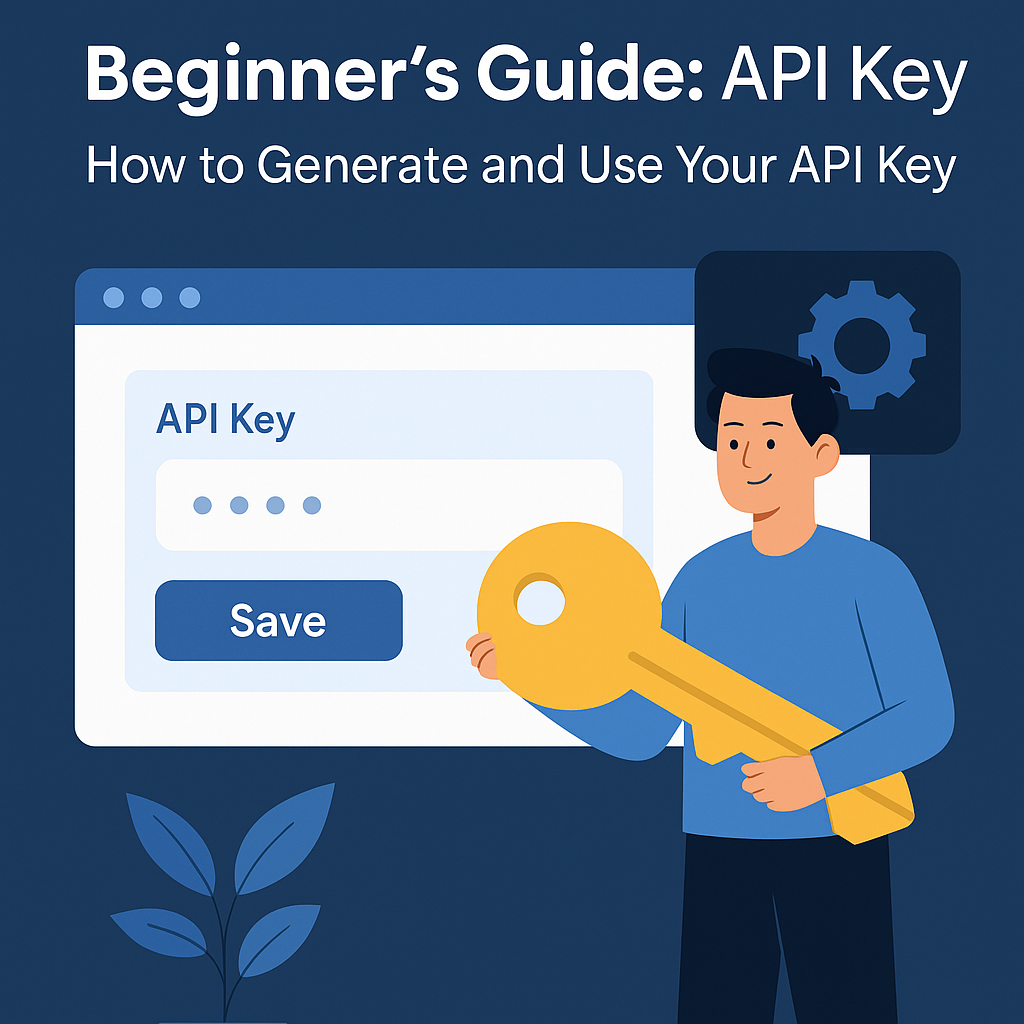
Step 3 – Generate an API Key
Go to Account → Developer / API
Click Generate API Key
Copy the key (a long string of letters and numbers).
Step 4 – Add the Key in the Chrome Extension
Install the UrlShoter Chrome Extension
Open the extension and click on the ⚙️ Settings (gear icon)
Paste your API key in the field and save.
Step 5 – Start Shortening Links
Now you can shorten links directly from your browser. Your shortened links will appear in your UrlShoter dashboard for easy tracking and management.
⚡ Tips & Notes:
Every user has a unique API key tied to their account.
Keep your key private. Do not share it publicly.
If you think your key has been exposed, you can reset it in your account settings.
📘 This guide is part of the Guides category — explore more tutorials to make the most out of UrlShoter!