
Introduction
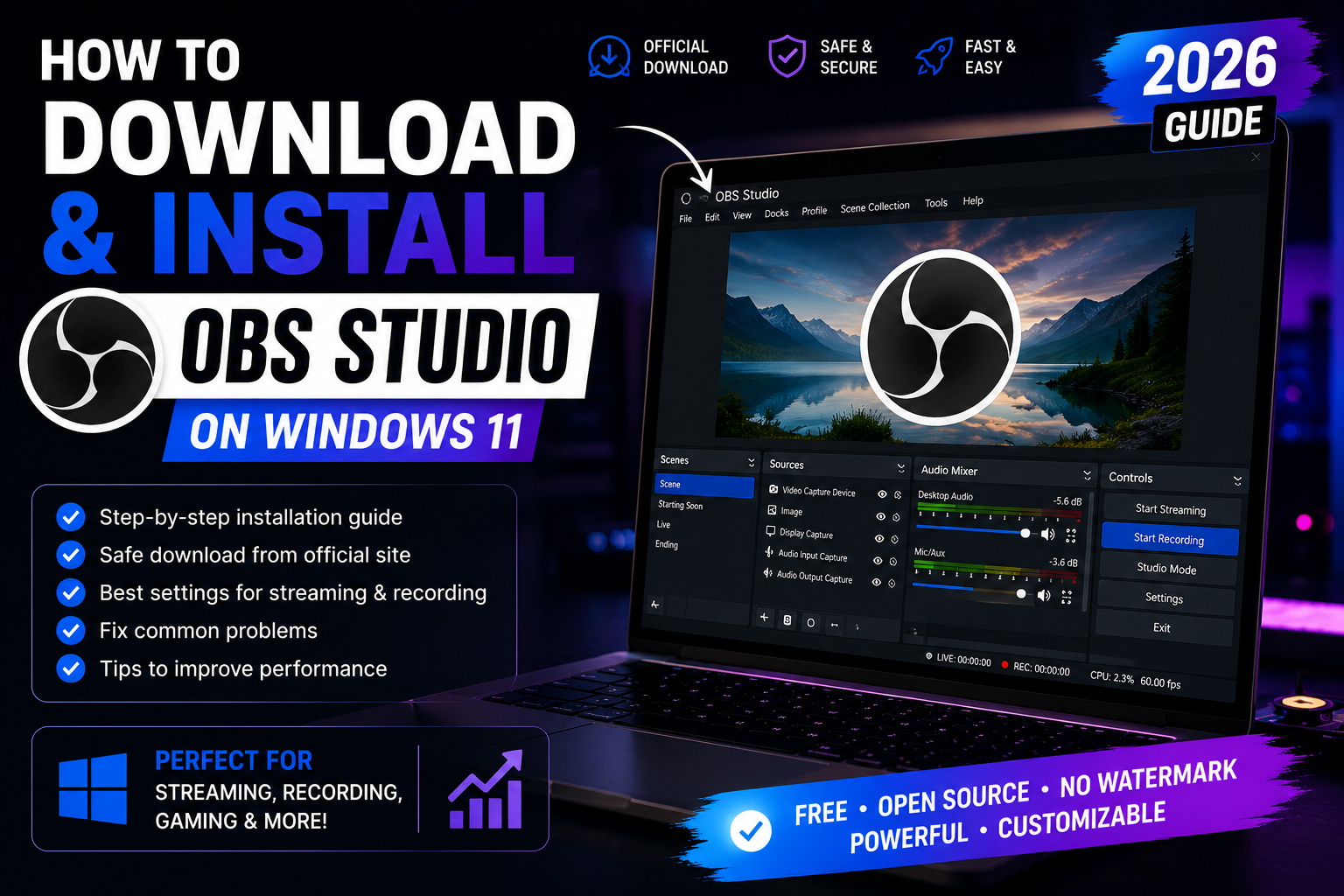
OBS Studio is one of the most popular free applications for screen recording and live streaming. It is trusted by millions of creators on YouTube, Twitch, Kick, Facebook Live, and many other platforms.
In this guide, you'll learn how to download OBS Studio safely, install it correctly, and complete the initial setup in just a few minutes.
Why OBS Studio?
- Completely free
- Open source
- No watermark
- Professional streaming
- Screen recording
- Webcam support
- Audio mixer
- Plugins
- Works on Windows, macOS and Linux
System Requirements
- Windows 10 or Windows 11
- 4 GB RAM minimum
- DirectX 10.1 compatible GPU
- Internet connection for download
Step 1
Visit the official OBS Studio website.
👉 Official Download
Never download OBS Studio from unknown websites to reduce the risk of modified installers or bundled software.
Step 2
Click Windows.
The installer will begin downloading automatically.
Step 3
Run the installer.
Accept the license.
Click Next.
Choose the installation folder.
Click Install.
Step 4
Launch OBS Studio.
The Auto Configuration Wizard will help optimize the settings for:
- Streaming
- Recording
- Gaming
- Video production
Common Installation Problems
OBS won't start
Update your graphics drivers.
Restart Windows.
Install the latest Visual C++ Redistributable if prompted.
Black Screen
Run OBS as Administrator.
Select the correct GPU in Windows Graphics Settings.
No Desktop Audio
Open
Settings → Audio
Select the correct playback device.
High CPU Usage
Reduce Output Resolution.
Lower FPS to 30.
Use hardware encoding (NVENC, AMD AMF, or Intel Quick Sync) if available.
Is OBS Studio Safe?
Yes.
OBS Studio is open-source software trusted by millions of users worldwide.
Always download it from the official website to ensure you receive the latest version without unwanted modifications.
Final Thoughts
OBS Studio remains one of the best free tools for recording your screen, creating tutorials, and live streaming.
Following the steps above ensures a safe installation and a smooth setup process.
Useful Resources
Official OBS Studio Download
OBS Documentation
Internal Link
At the bottom:
Need to share your OBS download link with others?
Create a clean short URL and QR code using UrlShoter.