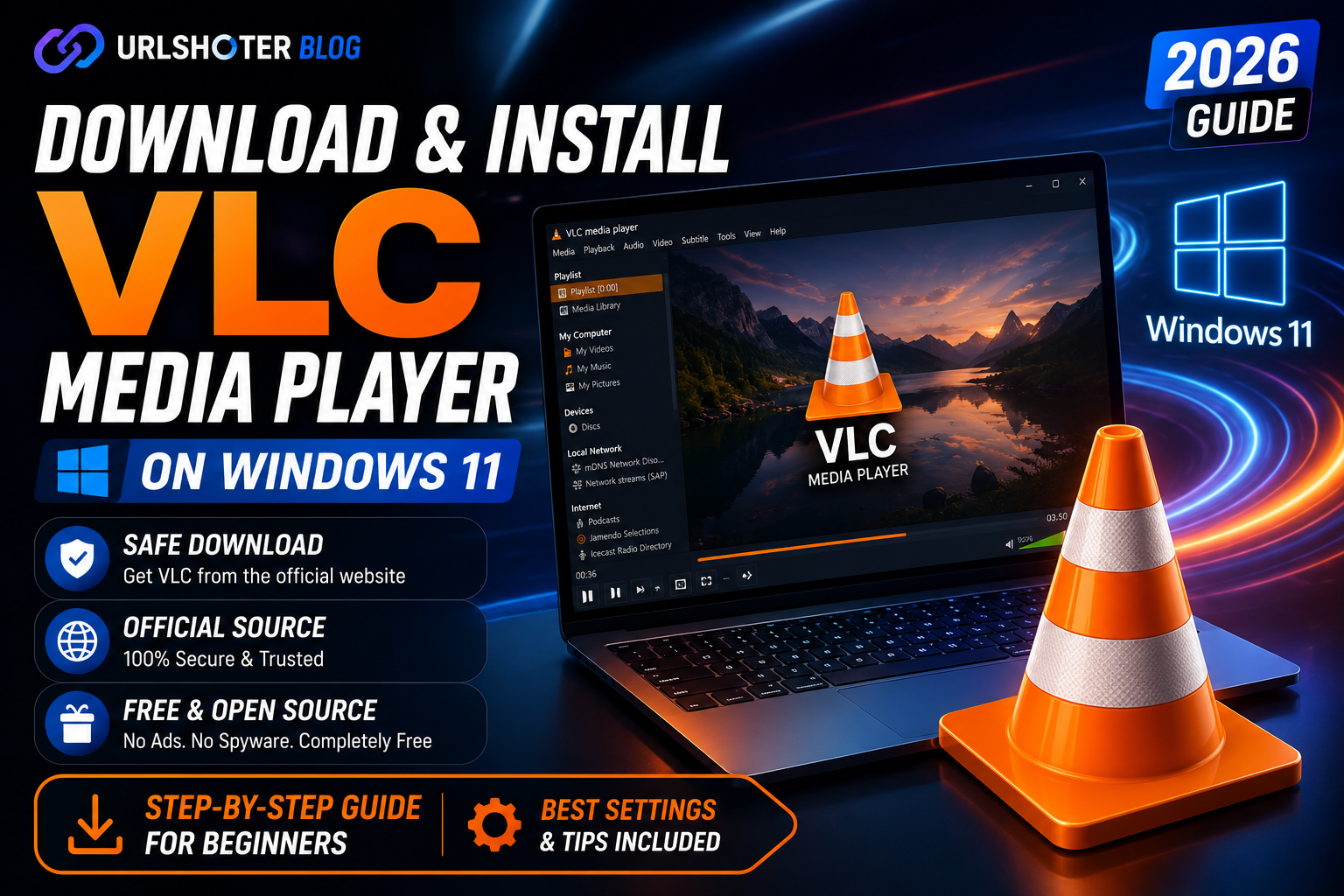

How to Download and Install VLC Media Player on Windows 11
Introduction
VLC Media Player is one of the world's most popular free media players. It supports almost every video and audio format without requiring additional codecs, making it an excellent choice for Windows users.
This guide explains how to download VLC safely, install it correctly on Windows 11, and configure a few useful settings for the best experience.
Why Choose VLC?
✔ Free forever
✔ Open Source
✔ No Ads
✔ No Spyware
✔ Supports almost every video format
✔ Subtitle support
✔ Hardware acceleration
✔ Audio & Video streaming
✔ Windows, macOS and Linux support
System Requirements
- Windows 10 or Windows 11
- 4 GB RAM or more
- Internet connection
- 200 MB free disk space
Step 1
Visit the official VLC website.
Official download:
Never download VLC from unknown websites to avoid modified installers.
Step 2
Click
Download VLC
The latest Windows version will start downloading automatically.
Step 3
Open the installer.
Click
Next
Accept the license.
Choose the installation folder.
Click Install.
Step 4
Launch VLC.
You can now:
- Play videos
- Watch movies
- Listen to music
- Open DVDs
- Play network streams
Best VLC Settings
Open
Tools → Preferences
Recommended settings:
- Hardware Acceleration → Automatic
- Continue Playback → Ask
- Enable Hardware Decoding
- Remember Recently Played Files
Common Problems
VLC won't open
Restart Windows.
Download the newest version.
Run as Administrator.
No Sound
Check Windows volume.
Select another Audio Device.
Verify Audio Track.
Black Screen
Update GPU drivers.
Enable Hardware Acceleration.
Restart VLC.
Subtitles Not Showing
Subtitle
Add Subtitle File
Make sure
movie.srt
has the same filename as
movie.mp4
Is VLC Safe?
Yes.
VLC is open-source software trusted by millions of users worldwide.
Always download it from the official VideoLAN website.
Why Millions Use VLC
Unlike many media players, VLC includes its own codecs and works immediately after installation.
It can play:
- MP4
- MKV
- AVI
- MOV
- FLAC
- MP3
- Blu-ray (limited)
- DVDs
- Streaming media
without installing extra codec packs.
Final Thoughts
VLC Media Player remains one of the best free media players available in 2026.
It is lightweight, secure, fast, and compatible with nearly every multimedia format.
Call To Action
Need to share a VLC download link or tutorial?
Create a clean short URL and QR code with UrlShoter.
📢 Enjoyed this guide?
Follow @goUrlShoter on X for more Windows tutorials, software guides, and productivity tips.
> Follow @goUrlShoter on X