How to Download and Install 7-Zip on Windows 11 (2026 Guide)
If you're looking for a free, lightweight, and reliable file archiver for Windows 11, 7-Zip remains one of the best choices in 2026.
It supports ZIP, RAR, 7z, TAR, ISO, GZIP, and many other archive formats while offering excellent compression and fast performance.
In this guide, you'll learn how to safely download and install 7-Zip using the official website.
Why Choose 7-Zip?
7-Zip is completely free and open source.
It offers:
- High compression ratio
- Support for dozens of archive formats
- Fast extraction
- AES-256 encryption
- Very small system footprint
- No ads or bundled software
Whether you're opening downloaded archives or creating compressed backups, 7-Zip is one of the most trusted tools available.
Download 7-Zip Safely
Always download 7-Zip from its official website to avoid modified installers or unwanted software.
Download the latest version that matches your Windows installation:
- Windows 11 64-bit
- Windows 11 ARM (if applicable)
Avoid downloading from unofficial mirror websites.
How to Install 7-Zip
Installing 7-Zip only takes a minute.
Step 1
Download the installer.
Step 2
Double-click the downloaded file.
Step 3
Click Install.
Step 4
Wait a few seconds.
Step 5
Click Close.
That's it!
How to Open ZIP and RAR Files
After installation:
- Right-click the archive.
- Select 7-Zip.
- Choose Extract Here or Extract to Folder.
The files will be unpacked instantly.
How to Create ZIP Archives
Creating archives is just as simple.
- Select one or more files.
- Right-click.
- Choose 7-Zip → Add to Archive.
- Select ZIP or 7z.
- Click OK.
Is 7-Zip Safe?
Yes.
7-Zip has been trusted by millions of users worldwide for years.
As long as you download it from the official website, it is considered safe and free from advertising or bundled applications.
Common Problems
Windows doesn't open ZIP files
Reinstall 7-Zip and make it the default archive manager.
Can't open RAR files
Update to the latest version.
Slow extraction
Large archives may take longer depending on your SSD or HDD speed.
Final Thoughts
If you need a fast, lightweight, and completely free archive manager, 7-Zip is still one of the best options for Windows 11.
It installs in seconds, works with almost every archive format, and remains one of the most useful utilities every PC should have.
🔗 Share Smarter with UrlShoter
Sharing software downloads or tutorials?
Create beautiful short links, QR codes, Bio Pages, and track every click with UrlShoter.
📢 Follow UrlShoter on X
We regularly publish:
- Windows tutorials
- Software installation guides
- Productivity tips
- Tech news
- SEO & marketing ideas
How to Download and Install VLC Media Player on Windows 11
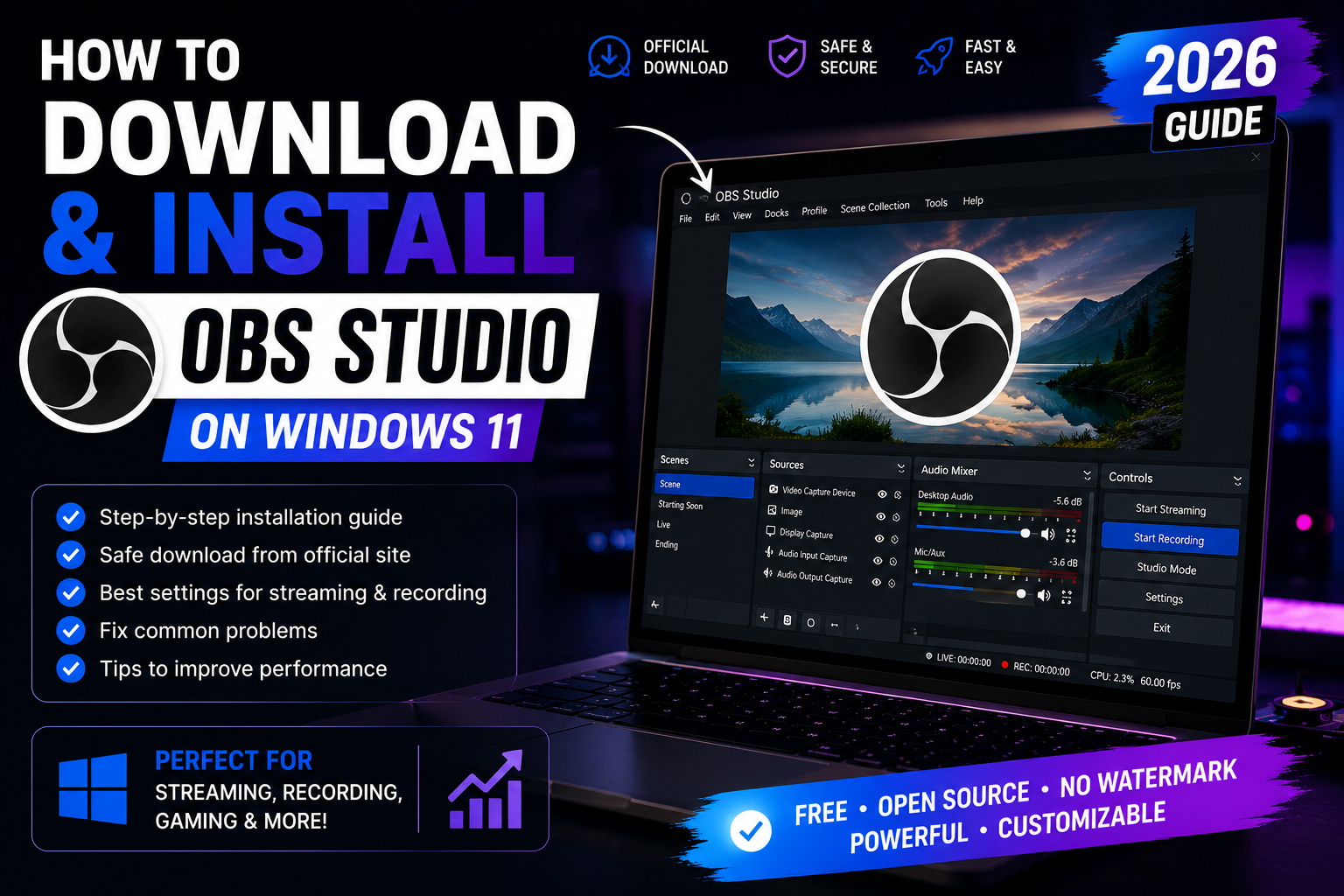
How to Download and Install OBS Studio on Windows 11